Best Laptop Deals by JustJoshTechBest Laptop Deals by JustJoshTech

Live Deals

Laptop Picker

Articles

Best Laptop Deals by JustJoshTech

Community

Search...

Search...

Live Deals

Laptop Picker

Recommended Tech

Articles

Videos

Best Laptop Deals by JustJoshTech

Community

SELECT REGION


logo

Quick Links

Live DealsRecommended TechArticlesManage My Alerts

Company

About UsAdvertise With UsJosh's JourneyContact us

Get In Touch

EmailYoutubeTwitchTwitterInstagramLinkedIn
ArticlesLaptop ReviewsLaptop Reviews

How to Pick a Laptop: How Much Memory (RAM) Do You Really Need?

How to Pick a Laptop: How Much Memory (RAM) Do You Really Need?

July 27, 2026

|
Josh with a stack of laptops. Text reads "Choose Wisely".

How Much Memory Do You Really Need?

Summary

Learn how much laptop RAM you really need. Compare 8GB, 16GB, 24GB, and 32GB to choose the right memory for your workload.

Table of contents:

Don't Pay for More Memory Than You'll Ever UseWhy Memory MattersIs 8GB of Memory Enough?Why 16GB Is the Sweet SpotDoes Mac Memory Work Differently?Who Should Consider 24GB?When Does 32GB Make Sense?Is More Than 32GB Worth It?Spend Your Budget WiselyOur Recommendations

Don't Pay for More Memory Than You'll Ever Use

One of the biggest mistakes people make when buying a laptop is either buying too little memory or spending hundreds of dollars on memory they'll never actually use. Manufacturers know that RAM is an easy upgrade to charge a premium for, and it's common to see shoppers paying far more than they need.

The good news is that choosing the right amount of memory doesn't have to be complicated. For most people, the answer is much simpler than the marketing would have you believe.

In this guide, we'll explain how much memory different types of users actually need, when upgrading makes sense, and when you're simply wasting money.

Why Memory Matters

Memory (RAM) is your laptop's short-term workspace. Every application you open, every browser tab you leave running, and every file you're actively working on occupies some of that memory.

Once your laptop runs out of available RAM, it has to move data back and forth between memory and your SSD. Modern SSDs are extremely fast, so this process isn't nearly as painful as it used to be. Even so, relying too heavily on storage causes applications to become less responsive, increases loading times, and eventually makes the entire system feel sluggish.

Buying enough memory means your laptop stays responsive, even when you're multitasking.

Is 8GB of Memory Enough?

For very light users, yes.

If your laptop is mainly used for browsing the web, checking email, streaming videos, or working in Microsoft Office, 8GB can still get the job done. It's also adequate for very basic schoolwork.

The problem is that it leaves very little room to grow.

During our own testing, an 8GB Windows laptop began slowing down after opening around 24 Chrome tabs. At that point, tabs took noticeably longer to reload and overall responsiveness began to decline.

While 8GB still works for light computing, it's restrictive enough that we generally only recommend it if you're shopping on a very tight budget.

Why 16GB Is the Sweet Spot

For the vast majority of buyers, 16GB is the amount of memory you should be aiming for.

It provides plenty of headroom for multitasking, allows you to keep dozens of browser tabs open, comfortably handles office work, and gives modern applications enough memory to perform properly.

When we repeated our browser testing on a laptop with 16GB of memory, we were able to open roughly 60 Chrome tabs before noticing any slowdown.

More importantly, 16GB is enough for professional applications that simply won't run well—or sometimes at all—on an 8GB system.

If you're a student, programmer, content creator, photographer, or someone who likes to game, 16GB should really be considered the minimum.

It's also a much better long-term investment. Software continues to become more demanding every year, and buying 16GB today means your laptop is far more likely to remain comfortable to use several years from now.

Does Mac Memory Work Differently?

You may have heard people claim that 8GB of memory goes further on a Mac than it does on a Windows laptop. Our testing suggests there's some truth to that.

Using the same Chrome tab workload, our 8GB MacBook was able to keep around 40 tabs open before showing the same issues we observed much earlier on an 8GB Windows machine.

That doesn't necessarily mean you should buy an 8GB MacBook, though.

While macOS manages memory more efficiently in some situations, many professional applications still require more than 8GB. Developers, creative professionals, and gamers will still benefit greatly from stepping up to 16GB or more.

Regardless of operating system, 16GB remains the safer recommendation.

Who Should Consider 24GB?

If you're a programmer or someone who regularly works with multiple demanding applications simultaneously, moving beyond 16GB can make sense.

For many developers, 24GB offers an excellent balance between price and performance. It provides additional headroom for virtual machines, larger software projects, containers, and more demanding workflows without becoming unnecessarily expensive.

This is also why configurations with 24GB of unified memory have become popular on higher-end MacBooks.

For most buyers, however, the jump from 16GB to 24GB won't produce a noticeable improvement in everyday tasks.

When Does 32GB Make Sense?

If your work genuinely pushes your laptop hard, 32GB is an excellent choice.

Professional video editing, large software projects, demanding engineering workloads, heavy multitasking, and complex creative applications can all benefit from the additional memory.

That said, don't expect miracles.

For example, we compared exporting one of our videos on both a 16GB laptop and a 32GB laptop. The larger memory configuration completed a seven-minute export only about 30 seconds faster.

The extra memory certainly helped, but it wasn't the dramatic improvement many people expect.

For that reason, we'd say 32GB is ideal for professionals who regularly work with demanding software—not because it always makes workloads dramatically faster, but because it gives your system additional breathing room during heavier projects.

Is More Than 32GB Worth It?

For almost everyone, no.

Once you move beyond 32GB, you're entering territory where very specific workloads are required to justify the cost.

Running large AI models locally, hosting multiple virtual machines simultaneously, scientific computing, or certain enterprise workloads can all require significantly more memory.

But if you don't already know that your work needs 64GB or more, chances are it doesn't.

As a general rule:

If you have to ask whether you need more than 32GB, you probably don't.

Spend Your Budget Wisely

Memory is important, but it isn't the only specification that determines how good a laptop feels to use.

A laptop with an excellent processor, display, keyboard, and battery life often provides a much better overall experience than one that simply has excessive amounts of RAM.

Instead of automatically buying the highest memory configuration available, put that money toward components that will make a more noticeable difference to your everyday experience.

Our Recommendations

Choosing the right amount of memory is actually fairly straightforward:

  • 8GB: Only for light web browsing, email, streaming, and basic office work on a tight budget.
  • 16GB: The sweet spot for almost everyone. Ideal for students, professionals, most gamers, and anyone who wants their laptop to remain responsive for years.
  • 24GB: A worthwhile upgrade for many programmers and users running multiple demanding applications.
  • 32GB: Excellent for professional creative work, high-end gaming, demanding development tasks, and heavy multitasking.
  • 64GB and above: Only for specialized professional workloads such as running AI models locally or other memory-intensive applications.

If there's one takeaway, it's this: don't pay for memory you won't use. Spending more for more memory only makes sense if your work genuinely requires it.
Laptops in this Article

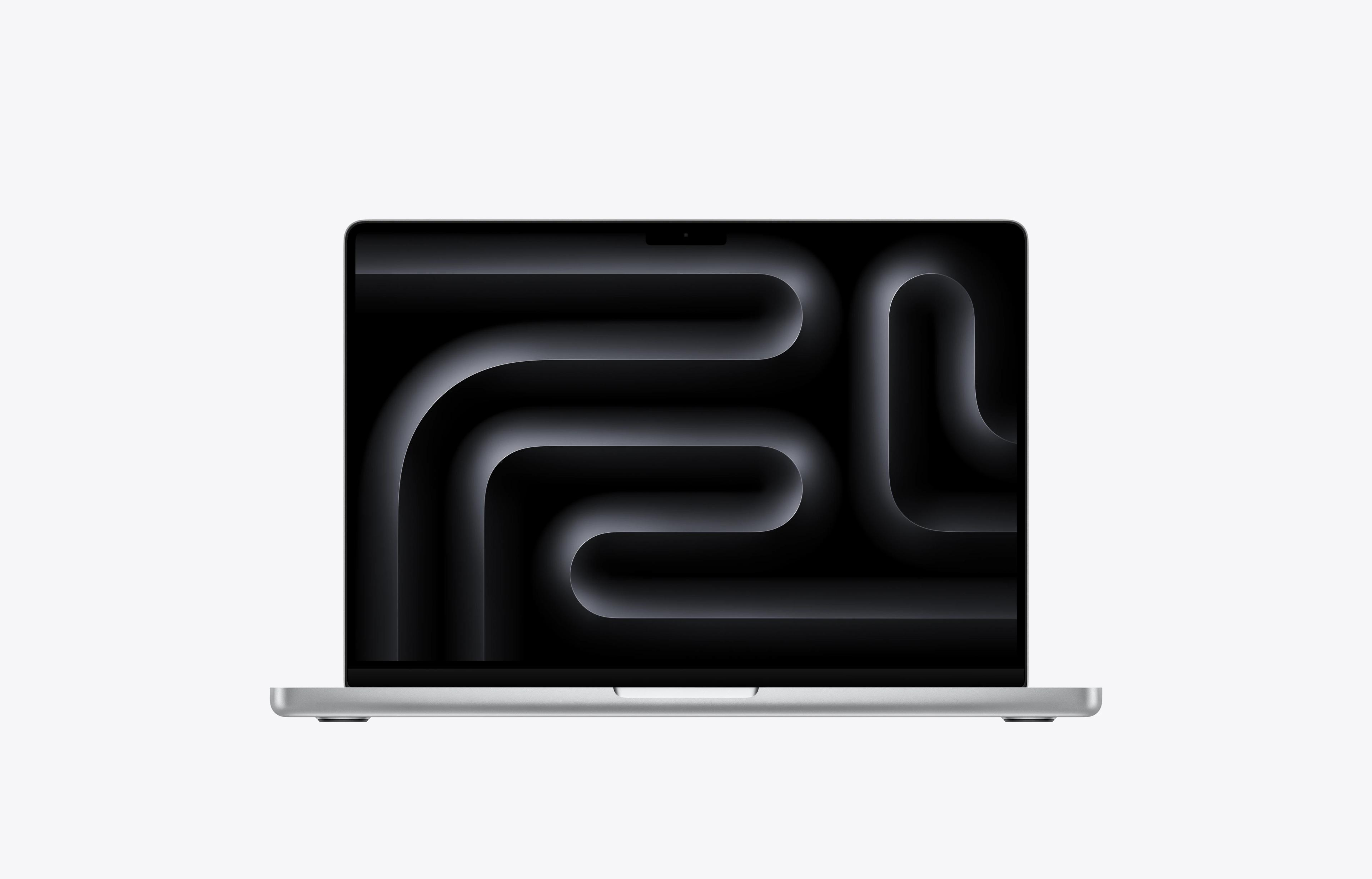
MacBook Neo 13

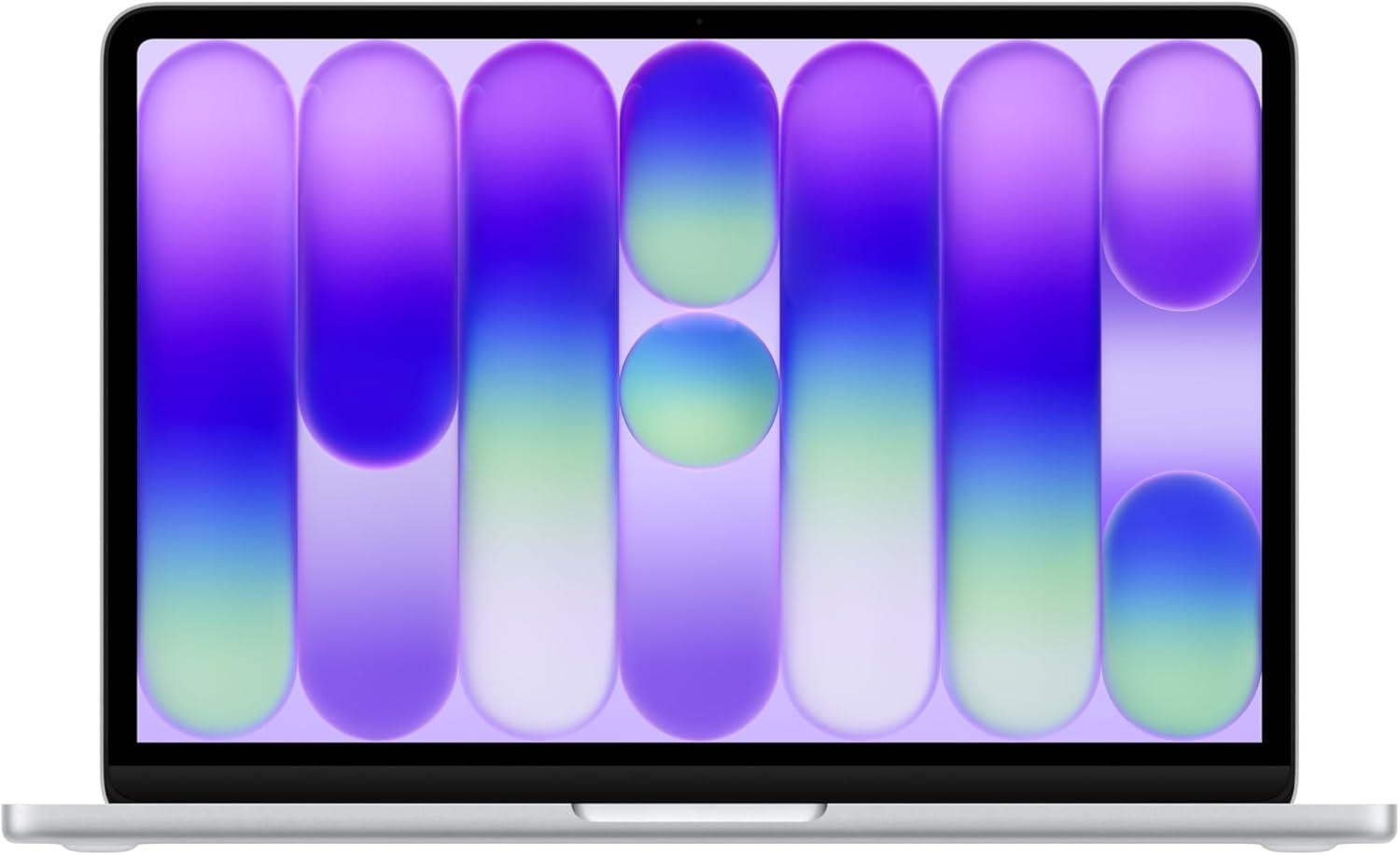
Apple MacBook Neo 13 - 2026

13 Inches256 GB8 GBA18 Pro

13 Inches | 256 GB | 8 GB | A18 Pro

On Sale
$686$699
Save $13
On Sale
$686$699
Save $13
XPS 13

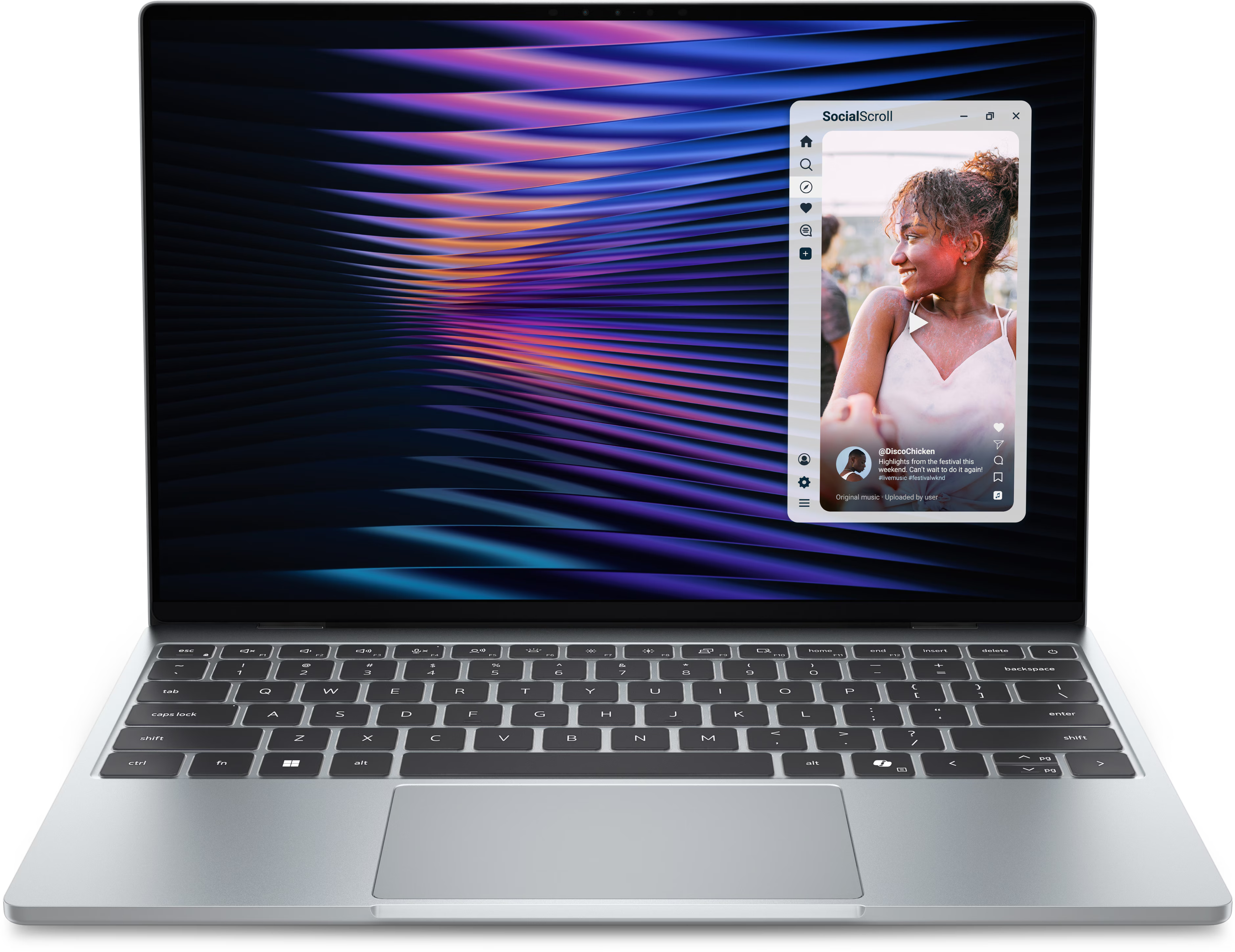
Dell XPS 13 - Intel - 2026

14 Inches512 GB8 GBCore 5 320

14 Inches | 512 GB | 8 GB | Core 5 320

$799
$799
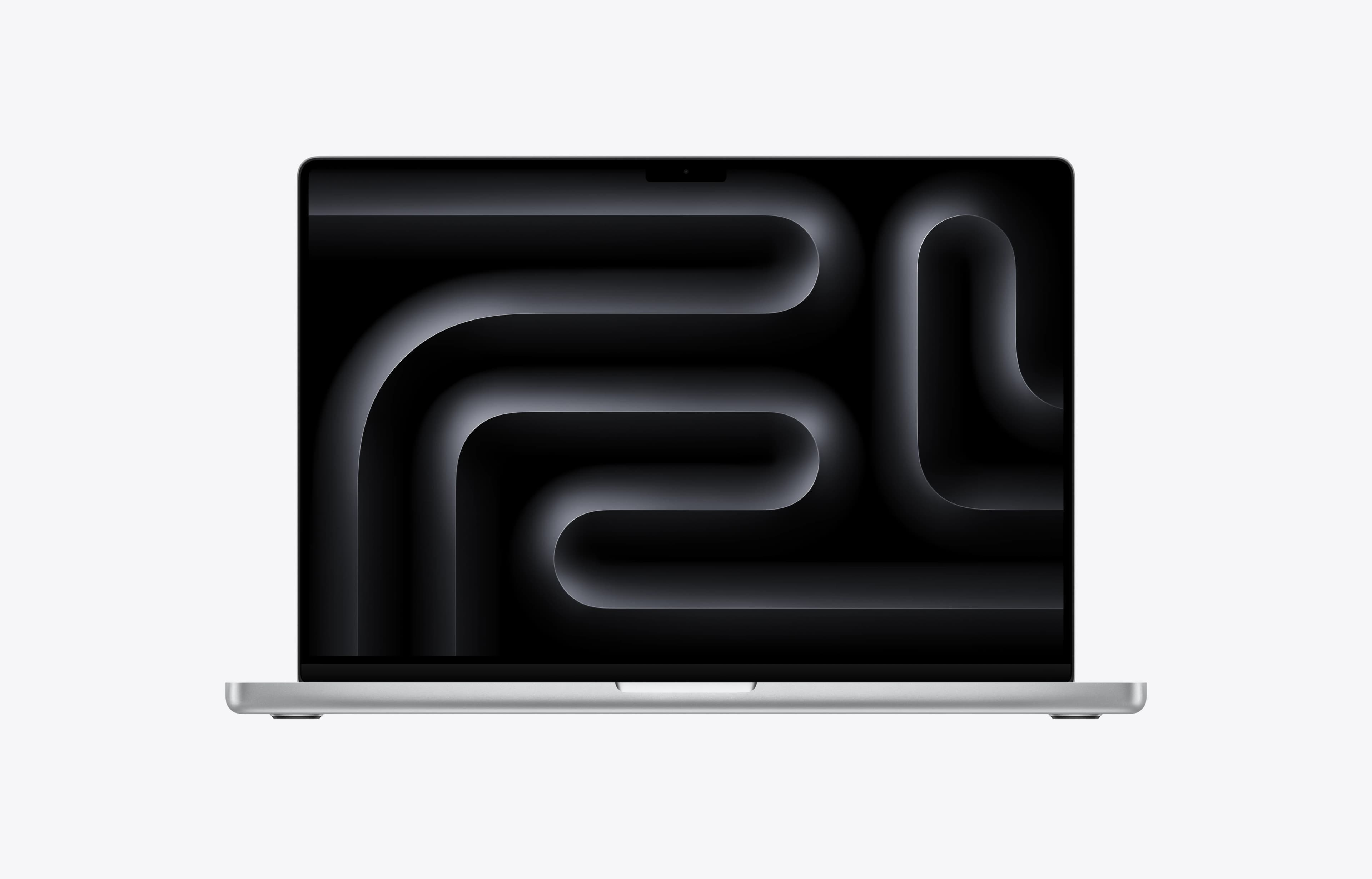
MacBook Pro 14

Apple MacBook Pro 14 - M5 - 2026

14.2 Inches1 TB16 GBM5 10-CoreM5 10-Core GPU

14.2 Inches | 1 TB | 16 GB | M5 10-Core | M5 10-Core GPU

On Sale
Great Deal
$1,799$1,999
Save $200
On Sale
Great Deal
$1,799$1,999
Save $200
Apple MacBook Neo 13 - 2026

13 Inches | 256 GB | 8 GB | A18 Pro

MacBook Neo 13
Apple MacBook Neo 13 - 2026

13 Inches | 256 GB | 8 GB | A18 Pro

Amazon
Indigo
On Sale
$686Save $13
Amazon
Citrus
On Sale
$686Save $13
Amazon
Silver
On Sale
$689Save $10
Amazon
Blush
On Sale
$689Save $10
BestBuy
Silver
$699
BestBuy
Indigo
$699
BestBuy
Citrus
$699
BestBuy
Blush
$699

Pros

  • Looks great
  • Fantastic value
  • Built very well, feels premium
  • Very good display for the price
  • Good speakers
  • Excellent trackpad
  • No fan noise, as it is fanless
  • The chassis stays cool even under load.

Cons

  • Very basic performance only. A18 Pro chip and 8GB
  • No keyboard backlight
  • Fingerprint sensor only available in more expensive model
  • Ports are lacking, only 2 USB C and a headphone jack. One port is very slow
  • Battery life is not that long due to its small battery
  • Storage is limited and slow for a modern laptop
Amazon
Indigo
$686Save $13
On Sale
Buy Now
Amazon
Citrus
$686Save $13
On Sale
Buy Now
Amazon
Silver
$689Save $10
On Sale
Buy Now
Amazon
Blush
$689Save $10
On Sale
Buy Now
BestBuy
Silver
$699
Buy Now
BestBuy
Indigo
$699
Buy Now
BestBuy
Citrus
$699
Buy Now
BestBuy
Blush
$699
Buy Now
Dell XPS 13 - Intel - 2026

14 Inches | 512 GB | 8 GB | Core 5 320

XPS 13
Dell XPS 13 - Intel - 2026

14 Inches | 512 GB | 8 GB | Core 5 320

BestBuy
Sky
$799
Dell
Sky
$849
Dell
Storm
$849

Pros

  • Competitive price for what you get.
  • Looks more like and has the build quality of a higher end laptop than a budget one, despite being thin and lightweight.
  • Great screen for the price. It is high resolution, 120 hz, around 500 nits (bright for a laptop at this price point), and has very good color gamut of sRGB (almost 100% coverage) and DCI-P3 (also almost 100% coverage).
  • Has pretty effective keyboard backlighting.
  • Windows Hello via an IR Camera is standard.
  • Has an option for 16 GB of RAM at the time of purchase.

Cons

  • Low travel keyboard (0.8 mm)
  • Ports are very lacking for connecting external devices; only 2 USB C (5 Gbps) ports, and no Thunderbolt 4 or USB4.
  • Intel Wildcat Lake (Core Series 3) CPU is only suitable for light/casual use.
  • Pricing is less competitive outside of the U.S.
BestBuy
Sky
$799
Buy Now
Dell
Sky
$849
Buy Now
Dell
Storm
$849
Buy Now
Apple MacBook Pro 14 - M5 - 2026

14.2 Inches | 1 TB | 16 GB | M5 10-Core | M5 10-Core GPU

MacBook Pro 14
Apple MacBook Pro 14 - M5 - 2026

14.2 Inches | 1 TB | 16 GB | M5 10-Core | M5 10-Core GPU

Walmart
Space Black
On Sale
$1,799Save $200
B&H Photo
Space Black
On Sale
$1,799Save $200
Walmart
Silver
On Sale
$1,799Save $200
B&H Photo
Silver
On Sale
$1,799Save $200
Amazon
Silver
On Sale
$1,799Save $200
BestBuy
Space Black
$1,999
BestBuy
Silver
$1,999
Out of stock
Amazon
Space Black
On Sale
$1,799

Pros

  • Excellent performance
  • Very long battery life
  • All round premium laptop
  • Exceptionally quiet and mostly feels cool to the touch
  • Very premium - Great speakers, webcam, trackpad, keyboard, dsiplay
  • Extremely fast storage

Cons

  • Not a Big Boost In Performance Over M4
  • No Wi-Fi 7
Walmart
Space Black
$1,799Save $200
On Sale
Buy Now
B&H Photo
Space Black
$1,799Save $200
On Sale
Buy Now
Walmart
Silver
$1,799Save $200
On Sale
Buy Now
B&H Photo
Silver
$1,799Save $200
On Sale
Buy Now
Amazon
Silver
$1,799Save $200
On Sale
Buy Now
BestBuy
Space Black
$1,999
Buy Now
BestBuy
Silver
$1,999
Buy Now
Out of stock
Amazon
Space Black
$1,799Save $200
On Sale
Out of Stock
Gigabyte Aero X16 - 2025

16 Inches | 1 TB | 16 GB | Ryzen AI 7 350 | RTX 5070 (8GB)

6.9
Aero X16
Gigabyte Aero X16 - 2025

16 Inches | 1 TB | 16 GB | Ryzen AI 7 350 | RTX 5070 (8GB)

Amazon
Lunar White
On Sale
$1,649Save $180
Walmart
$1,799
Out of stock
Amazon
Space Grey
On Sale
$1,569

Pros

  • Exceptional value for money
  • Strong battery life for a laptop with a dedicated GPU
  • Matt screen makes it excellent for using in bright environments
  • Trackpad is great
  • Plenty of performance for most users
  • Its quite light for a laptop like this
  • Upgradeable memory
  • Very little fan noise and remains cool to the touch

Cons

  • Display's colors aren't entirely accurate
  • Port placement is right down the front. Left handers will struggle with this
  • Other laptops this size are more powerful
  • Speakers lack volume
  • Keyboard feels mushy
Amazon
Lunar White
$1,649Save $180
On Sale
Buy Now
Walmart
$1,799
Buy Now
Out of stock
Amazon
Space Grey
$1,569Save $230
On Sale
Out of Stock
Apple MacBook Pro 16 - M5 - 2026

16.2 Inches | 1 TB | 24 GB | M5 Pro 18-Core | M5 Pro 20-Core GPU

MacBook Pro 16
Apple MacBook Pro 16 - M5 - 2026

16.2 Inches | 1 TB | 24 GB | M5 Pro 18-Core | M5 Pro 20-Core GPU

B&H Photo
Space Black
On Sale
$2,749Save $200
Amazon
Space Black
On Sale
$2,749Save $250
BestBuy
$2,999

Pros

  • Exceptional CPU performance, with the new M5 Pro and Max chips outperforming most Intel and AMD options in similarly portable laptops.
  • Excellent for video editing, programming, audio work, and other CPU-heavy professional tasks.
  • Very low fan noise in professional workloads compared with gaming laptops.
  • Can be configured with large unified memory pools, which is useful for larger local AI models.
  • Battery life is great.

Cons

  • CPU uplift over the previous M4 generation is not massive.
  • Notch can block Menu Bar items.
B&H Photo
Space Black
$2,749Save $200
On Sale
Buy Now
Amazon
Space Black
$2,749Save $250
On Sale
Buy Now
BestBuy
$2,999
Buy Now
Dell Alienware 16X Aurora - 2025

16 Inches | 1 TB | 32 GB | Core Ultra 7 270HX Plus | RTX 5060

Alienware 16X Aurora
Dell Alienware 16X Aurora - 2025

16 Inches | 1 TB | 32 GB | Core Ultra 7 270HX Plus | RTX 5060

Dell
$4,199

Pros

  • Good CPU and GPU performance
  • Sturdy build
  • Nice screen that covers a wide color gamut with an optional OLED screen that is even better
  • MUX switch
  • Two full-sized M.2 SSD slots
  • IR for Windows Hello

Cons

  • Quite Heavy
  • Dated design
  • Quiet speakers
  • Clunky trackpad
Dell
$4,199
Buy Now
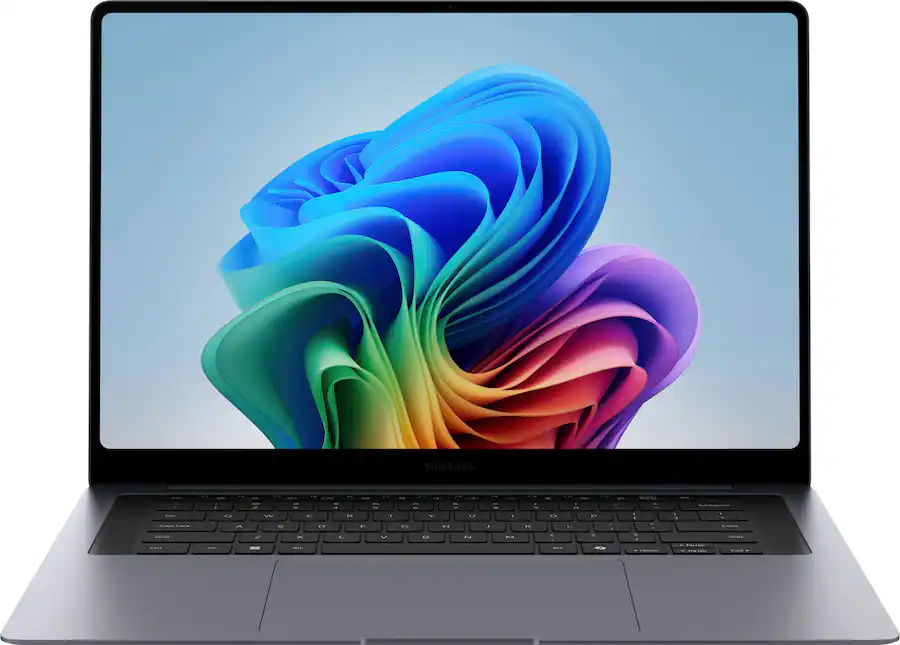
Samsung Galaxy Book6 Pro 16 - 2026

16 Inches | 1 TB | 16 GB | Core Ultra 7 356H

7.7
Galaxy Book6 Pro 16
Samsung Galaxy Book6 Pro 16 - 2026

16 Inches | 1 TB | 16 GB | Core Ultra 7 356H

BestBuy
$2,199

Pros

  • 2880 x 1800 resolution and 120Hz refresh rate makes the screens look crisp and smooth.
  • Very quiet and cool in everyday use, with almost no heat or fan noise.
  • Premium laptop - Well built, feels solid
  • Very thin, light, and portable for such a laptop
  • Excellent haptic trackpad that is smooth, accurate, and comfortable to use.
  • Good port selection in general, including USB-A, HDMI 2.1, headphone jack, and two Thunderbolt 4 ports.

Cons

  • Keyboard is a weak point: Typing feels low travel, and the keys drop below the keyboard deck, which some may not like
  • Display shows subtle PWM flickering, which could bother sensitive users.
  • No SD card reader, which is disappointing in a laptop this large.
BestBuy
$2,199
Buy Now
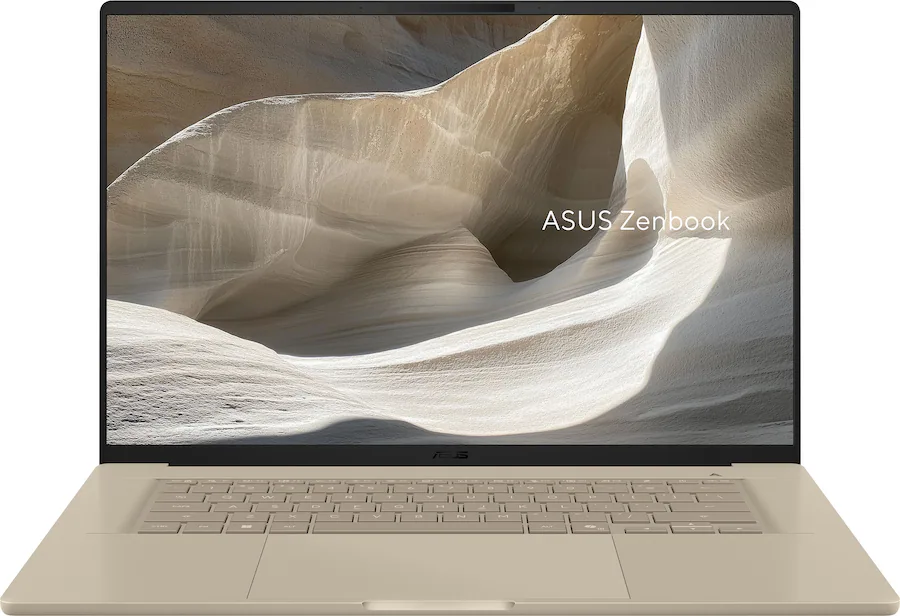
Asus Zenbook A16 - 2026

16 Inches | 1 TB | 48 GB | Snapdragon X2 Elite Extreme | Adreno X2-90

Zenbook A16
Asus Zenbook A16 - 2026

16 Inches | 1 TB | 48 GB | Snapdragon X2 Elite Extreme | Adreno X2-90

Asus
$2,199
Out of stock
BestBuy
$2,029

Pros

  • Stronger CPU performance than most competitors
  • Lightweight for a 16-inch laptop, thereby making it easier to carry than comparable laptops of this size.
  • Beautiful and sharp OLED that is both a touch screen and has a 120Hz refresh rate.
  • Supports pen input.
  • 48GB of RAM at the current MSRP is a major spec advantage.
  • Good overall build quality with minimal flex.

Cons

  • Runs Windows 11 on ARM; some apps and most Linux distros may have compatibility issues.
  • Hard to recommend for basic users over the MacBook Air 15, which is a better all-round experience for a lower price.
  • Glossy display may show a lot of reflections when outdoors or under harsh lighting.
  • No charging support on the right side.
  • Beige color and styling will not appeal to everyone.
Asus
$2,199
Buy Now
Out of stock
BestBuy
$2,029
Out of Stock
Asus ROG Flow Z13 - 2025

13.4 Inches | 1 TB | 64 GB | Ryzen AI MAX+ 395 | Radeon 8060S

ROG Flow Z13
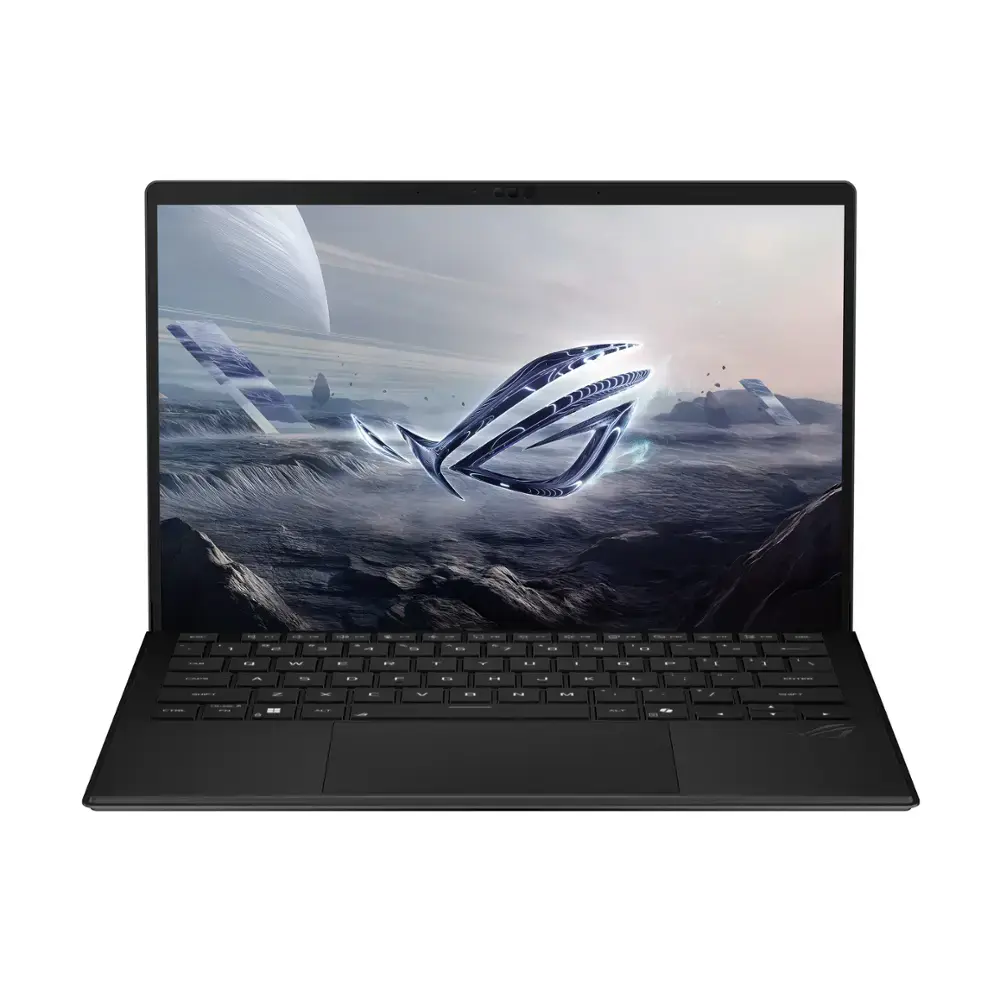
Asus ROG Flow Z13 - 2025

13.4 Inches | 1 TB | 64 GB | Ryzen AI MAX+ 395 | Radeon 8060S

BestBuy
On Sale
$2,419Save $580

Pros

  • Very Powerful Processor
  • Easily Removable and Replaceable SSD
  • Premium Build Quality
  • Minimal Fan Noise for a Powerful Device
  • Bright, Color-Accurate Screen
  • Comfortable 1.7mm Travel Keyboard
  • Up to 128 GB Memory

Cons

  • Not as Powerful as an RTX 4070 or 5060 or Higher End dGPUs
  • Glossy Screen Means Some Reflections in Bright Environments
  • Initial McAfee Pop-Ups are Annoying
  • Tablet Form Factor Means You Can't Use it on Your Lap
BestBuy
$2,419Save $580
On Sale
Buy Now