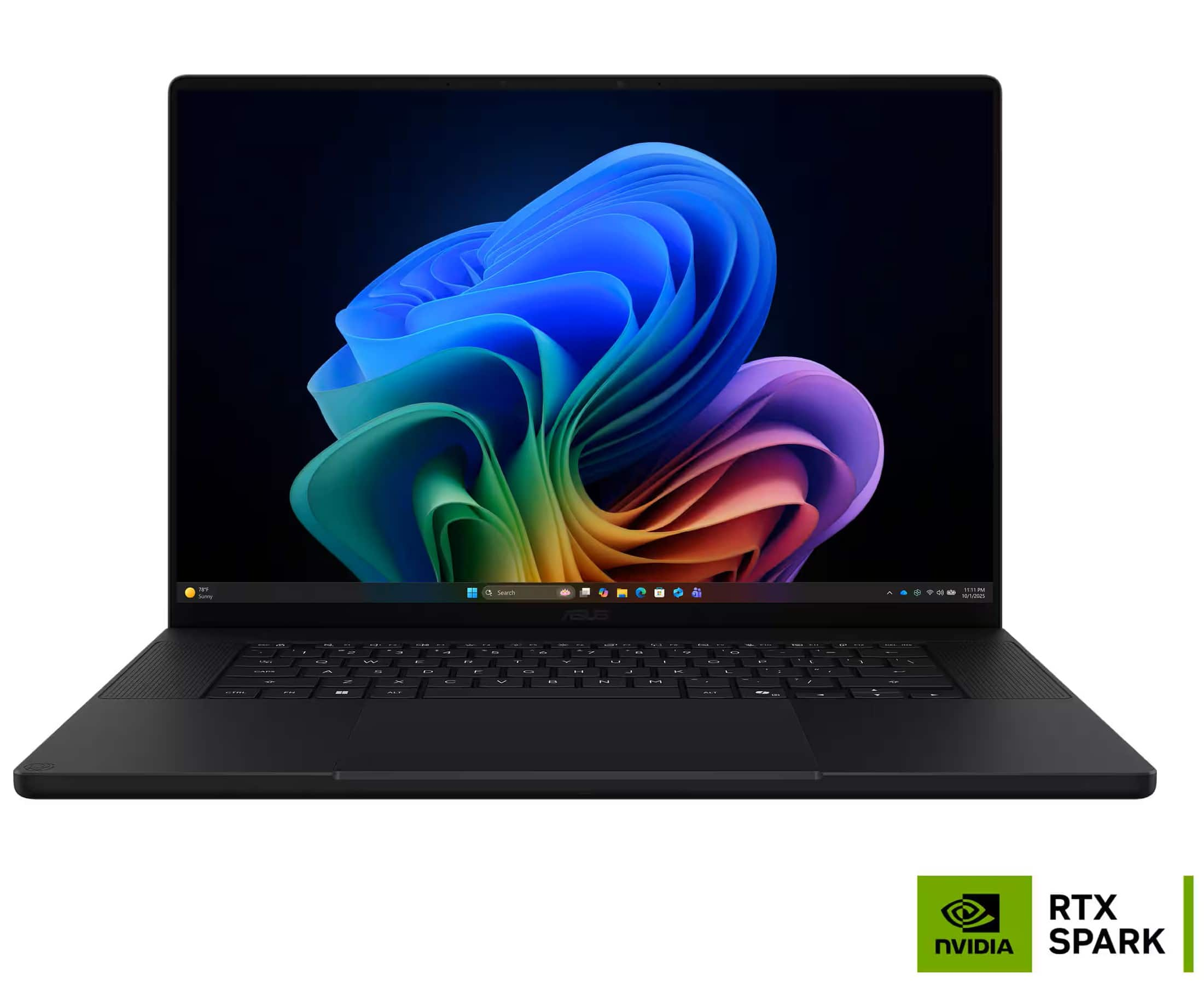
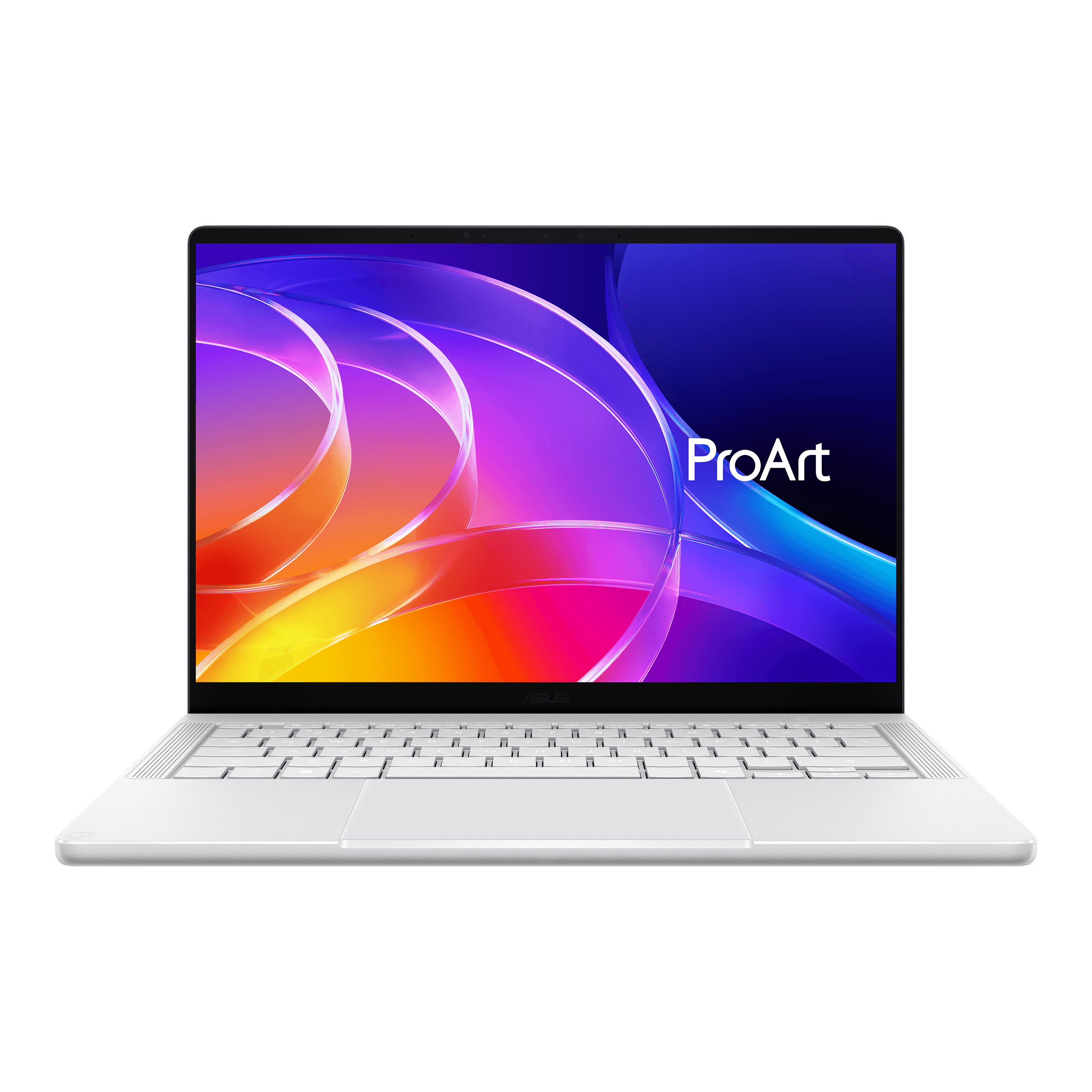
Is RTX Spark Holding Back The Asus Pro Art P16 and Pro Art P14?
November 3, 2026
|
Good laptop Wrong Chip?
Summary
Today, we analyze the new Pro Art P16 and Pro Art P14 to determine whether the new RTX Spark CPUs make this iteration shine or fail to meet modern standards.
Table of contents:
ASUS ProArt P16 Review: A Fantastic Laptop Held Back by Its Processor
The redesigned ASUS ProArt P16 is one of the best-built premium Windows laptops we've tested. It's thinner and lighter than before, with an excellent OLED display, comfortable keyboard, fantastic haptic trackpad, and a great selection of ports.
Unfortunately, its RTX Spark processor holds it back. While its shared memory architecture makes it interesting for running large AI models locally, gaming performance is inconsistent, software compatibility remains a concern, and demanding workloads generate considerable heat.
If we were buying an RTX Spark laptop, this would be our pick. But for most people, there are better alternatives.
Premium Build Quality and Design
ASUS has done an outstanding job redesigning the ProArt. Its build quality rivals premium laptops like the MacBook Pro and Zephyrus G16, but it's thinner and lighter, making it especially comfortable to carry around.
The chassis retains the silky soft-touch coating of the previous generation, but it's now much better at resisting fingerprints. We also like the updated lid logo, which gives the laptop a more distinctive appearance.
There are a couple of compromises. The speaker grilles look slightly out of place, and the lightweight chassis has a little flex in both the lid and keyboard deck. It's not quite as rigid as a MacBook Pro or Razer Blade.
One small design detail we particularly appreciate is the diagonal cut along the chassis edge. It makes the laptop more comfortable to rest your wrists on, especially when working without proper arm support.
Overall, this is an excellent premium design and a meaningful improvement over the previous generation.
Display, Keyboard and Trackpad
The 16-inch ProArt comes with a stunning 2880 x 1800 OLED display that reaches almost 500 nits of brightness. Colors look fantastic, and the high resolution makes small text exceptionally crisp. We could even reduce display scaling to fit more information on screen without sacrificing readability.
You also get a 120Hz refresh rate and touchscreen support. ASUS offers an optional Tandem OLED configuration with an even higher 4K+ resolution.
The keyboard is equally impressive. It has generous key travel, a standard layout, and good spacing that makes typing comfortable. It feels similar to the keyboard on ASUS's Zephyrus laptops. Our only complaints are the smaller arrow keys and the slightly firm key presses. We'd still give it an 8 out of 10.
The trackpad is even better. ASUS has replaced the previous generation's unnecessary touch wheel with a large haptic trackpad. Tracking is accurate, finger movement feels smooth, and, most importantly, palm rejection works properly. We didn't experience the accidental inputs that have affected other large Windows haptic trackpads.
Ports and Upgradeability
Connectivity is another strength. You get three USB 4.0 ports, with two on the left and one on the right. This makes charging and docking convenient regardless of which side your desk setup is on.
The laptop now supports USB-C charging with a 140W charger, replacing the previous generation's proprietary charging brick.
Other connections include:
- HDMI 2.1
- 10Gbps USB-A
- High-speed SD card reader (7.0)
All the ports are positioned toward the back, keeping cables out of your way.
Internally, there are two PCIe 4.0 M.2 slots for storage upgrades, while memory is soldered. Wi-Fi is upgradeable, although the included Wi-Fi 7 implementation doesn't support the newer 320MHz channels.
The speakers get impressively loud and have a wide soundstage, but clarity suffers at higher volumes. They sound somewhat muddy, with limited bass.
Performance: The RTX Spark Trade-Off
Here's where things get complicated. Despite the excellent hardware surrounding it, the RTX Spark processor significantly limits the ProArt's appeal.
CPU performance is competitive with Intel's Ultra 9 H-series chips, delivering similar single-core performance and stronger multi-core results. Apple still leads in this class of laptop, however.
GPU performance is more interesting. For AI workloads, the ProArt performs around the level of an RTX 5070 laptop. Its biggest advantage is shared memory: configurations with up to 128GB of system memory can allocate as much as 96GB to the GPU.
This allows you to run much larger AI models locally than you could on a conventional laptop GPU with limited dedicated VRAM. For AI enthusiasts, that's a compelling reason to consider this machine.
For content creation, the results are less impressive. The ProArt can smoothly edit one of our YouTube videos at half resolution, but a MacBook Pro is a considerably better choice. Even the 14-inch MacBook Pro with the lower-powered M5 Pro configuration outperforms it in our comparisons, while using a much smaller 70W charger compared to the ProArt's 140W one.
The takeaway is that the ProArt's main performance advantage is its ability to run large AI models, not conventional creative workloads.
Gaming and Software Compatibility
Gaming is one of the ProArt's biggest weaknesses.
Games that run natively on Windows ARM can deliver average frame rates comparable to an RTX 5070 laptop. However, 1% lows are particularly poor, meaning performance is less consistent and gameplay can feel noticeably less smooth.
Things get worse when games need to be emulated. Cyberpunk 2077 is one example, and performance drops significantly. In these situations, much cheaper RTX 5060 laptops can outperform the ProArt. Some games that work perfectly well on conventional Windows laptops won't run on this platform at all.
Software compatibility is a broader concern. Windows on ARM has improved considerably over the last couple of years, but you still need to check whether your applications and peripherals are supported.
We encountered several problems during testing. Premiere Pro Beta runs natively, but the plugin we use for transitions wasn't compatible. Our DJ mixer was initially detected but disconnected after a few seconds and wouldn't reconnect.
These are frustrating limitations for an otherwise excellent laptop. Things should improve over time, but right now you're effectively paying to be a beta tester. That may appeal to technology enthusiasts, but it's a significant drawback for anyone who needs a reliable everyday machine.
Battery Life, Heat and Fan Noise
Battery life is good for basic tasks, but it isn't the game changer we'd hoped for.
Intel has caught up considerably in efficiency, and ASUS's own Zephyrus G14, despite having a significantly smaller battery, lasts almost as long in our testing. We'd also expect the 16-inch MacBook Pro to be competitive in real-world use.
Performance on battery is another concern. CPU performance is maintained when unplugged, but GPU performance is unpredictable. During gaming tests, we saw performance similar to plugged-in operation when the battery was full, while after it started dying, it dropped to around 30 FPS.
Gaming battery life is only about an hour, making demanding workloads away from a power outlet impractical.
Thermals aren't great either. During gaming or local AI workloads, the underside becomes extremely hot, making the laptop uncomfortable to use on your lap. Fans can also get quite loud in the highest performance mode.
For basic tasks, however, the ProArt is mostly silent, although it can still feel warm to the touch.
Conclusion: Who Should Buy the ProArt?
The ASUS ProArt P16 is an outstanding premium laptop with one major problem: its processor.
The chassis, display, keyboard, trackpad, and connectivity are all excellent. If we were buying an RTX Spark laptop, this is the one we'd choose. However, inconsistent gaming performance, software compatibility issues, and disappointing thermals make it difficult to recommend to most buyers.
Honestly, we'd love to see ASUS offer this same laptop with a conventional Intel X-series chip or an Intel H-series processor paired with a lower-wattage RTX 5070 12GB GPU. It could deliver better conventional performance, broader software compatibility, and potentially lower pricing. We've shared this feedback directly with ASUS.
In the meantime, here are the alternatives we'd consider:
- ASUS Zephyrus G16 or G14: Similar premium design, but with better performance and full software compatibility. These are our recommendations for people who want a powerful, portable Windows laptop.
- Lenovo Yoga Pro 9i 16: An excellent option for productivity and creative work, with a Tandem OLED display and particularly comfortable keyboard. The newer RTX 5070 12GB configuration looks promising.
- Lenovo Legion 7a: A premium thin-and-light alternative that offers good performance and can be found at attractive sale prices.
- Gigabyte Aero X16: A much more affordable option if you're willing to sacrifice some display quality.
- Apple MacBook Pro: The obvious choice for creators who don't need Windows or gaming compatibility. Its performance and efficiency make it a much better creative workstation.
- Lenovo Legion 7a 15 with Strix Halo: Worth considering if your priority is running large AI models locally, thanks to its 64GB of memory at a considerably lower price.
Ultimately, the ProArt P16 is a fantastic laptop built around a processor that limits its potential. We'd love to see ASUS put this same chassis to better use with more conventional hardware.