NVIDIA RTX Spark Laptops: Are They Worth Buying?
November 5, 2026
|
NVIDIA RTX Spark Laptops: Are They Worth $3,400+?
Summary
We tested NVIDIA RTX Spark laptops for AI, gaming, battery life, and creative work. Find out who should buy one and who should look elsewhere.
Table of contents:
What Is NVIDIA RTX Spark?CPU Performance Is Strong, Especially in Multicore WorkloadsGaming Is One of RTX Spark's Biggest WeaknessesAI Performance: The Real Reason to Consider RTX SparkContent Creation: Capable, but Not Competitive for the PricePower Efficiency and Battery Life Are Genuine StrengthsQuiet Laptops, but They Can Get WarmWindows on ARM Compatibility Is Still a ProblemWhich RTX Spark Laptop Should You Buy?What Should Most People Buy Instead?
NVIDIA and Microsoft are positioning RTX Spark laptops as powerful, efficient machines that can handle everything from local AI to content creation and gaming. After testing several models, we think the reality is more complicated. RTX Spark is genuinely interesting for AI enthusiasts and professionals, thanks to its large shared memory capacity, CUDA support, and strong efficiency. However, for most laptop buyers, it's difficult to justify the price.
These laptops generally deliver gaming and creative performance comparable to midrange RTX 5070 laptops, despite costing significantly more. Windows on ARM compatibility is another major concern, particularly for gaming and specialized applications. Unless you're specifically buying a laptop to run larger local AI models, we'd recommend a traditional Intel or AMD laptop with dedicated NVIDIA graphics, or a MacBook Pro if you don't game.
What Is NVIDIA RTX Spark?
RTX Spark combines an ARM-based MediaTek CPU and NVIDIA GPU into a single chip, known as an APU. Its shared memory allows the GPU to access more RAM, which is particularly useful for running larger AI models. Built on TSMC's efficient 3nm process, Spark comes in two versions: an 18-core CPU with around 5,000 CUDA cores and a more powerful 20-core version with around 6,000 CUDA cores.
Despite those impressive specs, traditional RTX 50-series GPUs have faster GDDR7 memory and higher power limits, so Spark prioritizes efficiency over raw performance. The biggest drawback is Windows on ARM compatibility, as some applications require emulation and run slower, while others don't work at all.
CPU Performance Is Strong, Especially in Multicore Workloads

Cinebench 2026 CPU benchmark results show Apple's M5 Max leading in multi-core performance, while the RTX Spark laptops deliver competitive results against the M5 Pro and Snapdragon X2 Elite Extreme.
The higher-end RTX Spark chip delivers impressive CPU performance. In Geekbench 7 and Cinebench, its multicore results beat comparable Intel and AMD laptop processors.
However, Apple's M-series chips and Qualcomm's higher-end ARM processors performed even better in our tests. Single-core performance was also less impressive, landing closer to what Intel and AMD already offer.
That means RTX Spark is certainly powerful, but it doesn't deliver a major breakthrough in everyday CPU performance.
Gaming Is One of RTX Spark's Biggest Weaknesses
Despite NVIDIA's gaming-focused branding, RTX Spark isn't a great choice for gamers. Some titles, like League of Legends, don't run due to anti-cheat compatibility, while others suffer from poor performance through emulation. Although synthetic benchmarks put the higher-end Spark GPU around an RTX 5070, real-world gaming tells a different story. Cyberpunk, Marvel Rivals, and Forza Horizon 6 all performed significantly worse than on similarly priced gaming laptops.
In Space Marine 2, the HP OmniBook Ultra 16 averaged just 55 FPS at Medium settings with DLSS Ultra Performance. Meanwhile, our RTX 5070-powered Razer Blade 14 exceeded 70 FPS with higher settings and DLSS Quality. If gaming matters to you, a traditional gaming laptop offers better performance, compatibility, and value.
AI Performance: The Real Reason to Consider RTX Spark
AI is where RTX Spark starts making sense, primarily because of its shared memory capacity rather than raw speed. In our testing, prompt processing and smaller model training performed similarly to an RTX 5070, while token generation was closer to the M5 Pro MacBook Pro 14. However, Spark could handle larger AI models that conventional gaming laptops couldn't run due to limited VRAM.
That memory advantage, combined with NVIDIA's CUDA support, makes Spark appealing to AI developers and enthusiasts. However, you don't need Spark to run AI locally, since traditional NVIDIA GPUs also support CUDA. Spark becomes worthwhile when you need to run models that exceed the available VRAM of a dedicated GPU.
Content Creation: Capable, but Not Competitive for the Price
RTX Spark can handle creative work, but it struggles to justify its premium price. Premiere Pro beta runs natively on ARM, and we found the OmniBook Ultra usable for editing YouTube videos at half-resolution playback. However, at full resolution, our Spark laptops dropped around 90 frames in a 60-second test and delivered slower exports than both the RTX 5070 laptop and MacBook Pro 14. DaVinci Resolve performance was similarly disappointing.
3D rendering was a bright spot, with the Lenovo Yoga Pro 9n matching our RTX 5070 Ti laptop. Still, for most creative workloads, traditional NVIDIA laptops and MacBook Pros offer better performance for the money.
Power Efficiency and Battery Life Are Genuine Strengths

The ProArt P16 with RTX Spark leads our office productivity battery test at 11 hours and 24 minutes, while the Yoga Pro 9n delivers a more modest 8 hours and 36 minutes.
RTX Spark delivers impressive efficiency in CPU-intensive tasks and AI model training. Its CPU efficiency was comparable to Qualcomm and Apple's M5 Pro chips, while large AI training workloads were considerably more efficient than on the RTX 5090-powered Blade 16. However, gaming efficiency was similar to an RTX 5070 laptop, offering little improvement.
Battery life varies significantly between models. The ASUS ProArt P16 delivered the longest office-task battery life of any high-performance laptop we've tested, while the Yoga Pro 9n lasted noticeably less. CPU performance also holds up well when unplugged, but gaming performance can be inconsistent, with the ProArt sometimes dropping to around 30 FPS.
Quiet Laptops, but They Can Get Warm
RTX Spark laptops are generally quiet during everyday use, but they can still get noticeably warm. The OmniBook Ultra, ProArt P16, and Yoga Pro 9n all warmed up during light tasks, while maximum CPU workloads made them hotter and louder than several Intel-based competitors.
Gaming thermals were better, with the ProArt P16 and Yoga Pro 9n staying comfortable around the keyboard and palm rests. Overall, the experience is similar to a MacBook Pro, with quiet fans but some warmth under load. However, MacBooks generally stayed cooler during light use in our testing.
Windows on ARM Compatibility Is Still a Problem
Compatibility remains one of the biggest reasons we're hesitant to recommend RTX Spark to mainstream buyers.
During testing, several applications and devices still didn't work properly:
- League of Legends couldn't run because of anti-cheat compatibility.
- Android emulation in Android Studio remained unsupported.
- The desktop version of SolidWorks didn't work.
- Some Premiere Pro plugins wouldn't install.
- Our external DJ controller wasn't recognized by its software.
- Linux support remained problematic.
Windows on ARM is improving, but if you depend on specific professional applications, gaming software, or peripherals, check compatibility before buying. At these prices, we don't think most buyers should have to troubleshoot whether their software works.
Which RTX Spark Laptop Should You Buy?
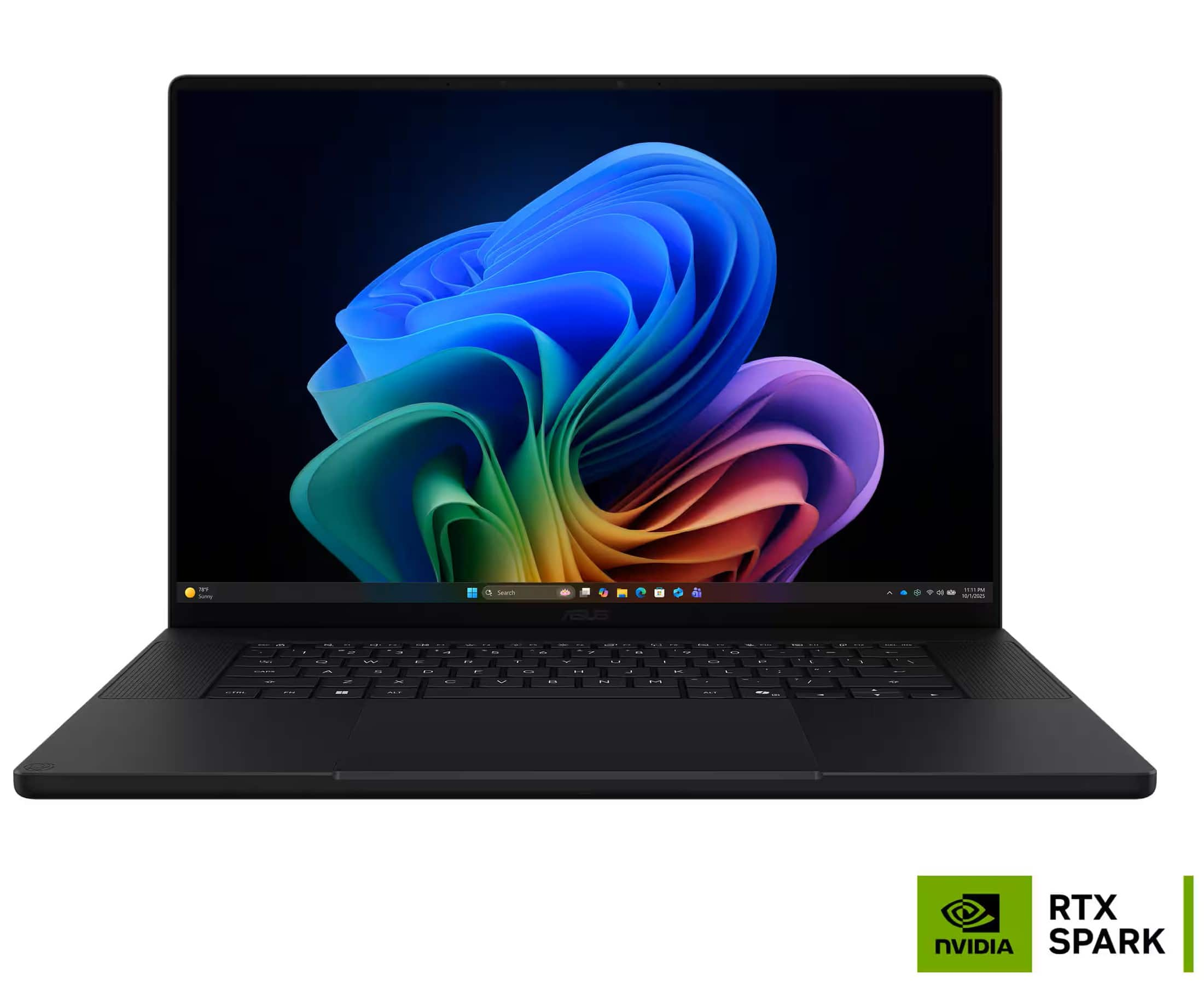
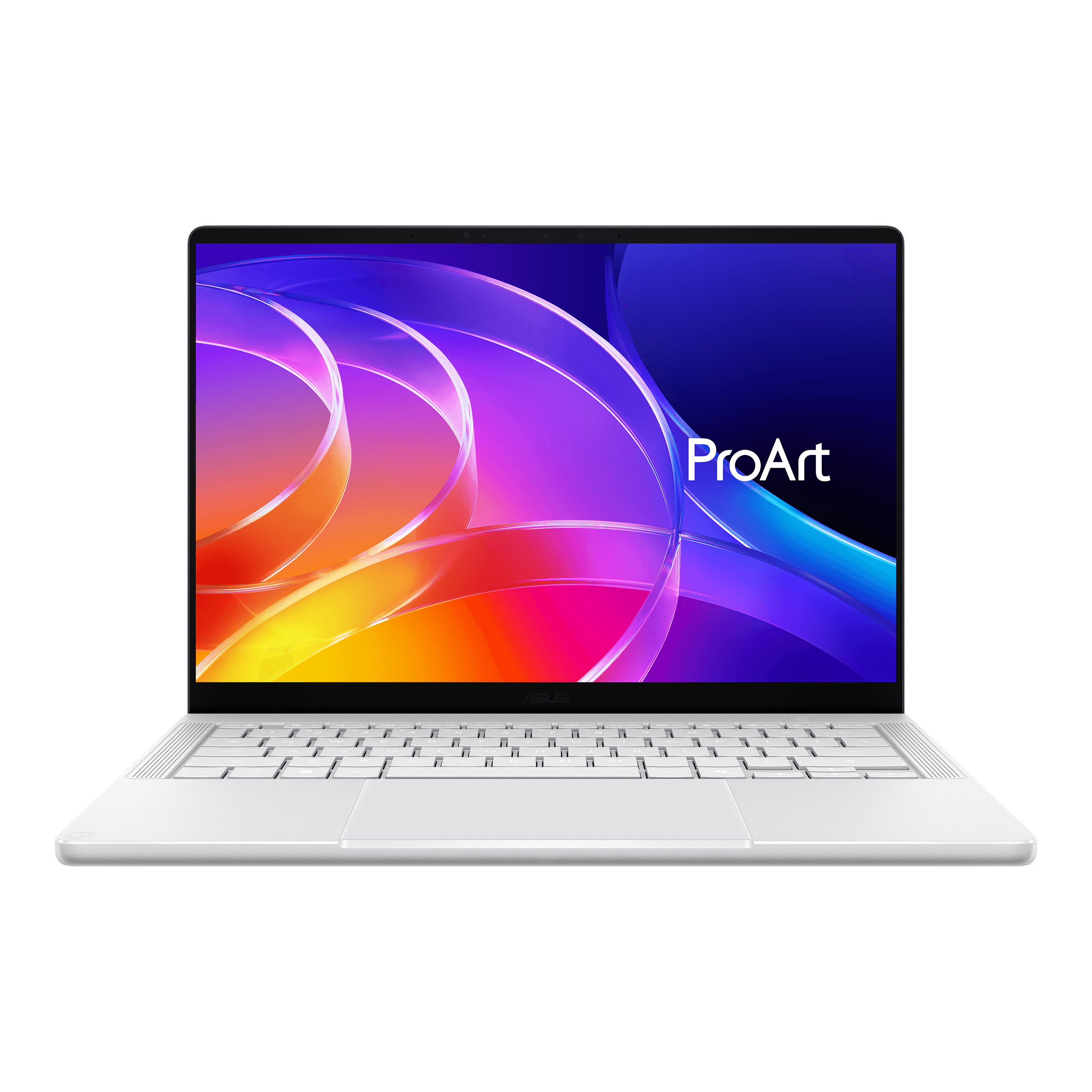
If you're considering RTX Spark, our favorite is the ASUS ProArt P16, thanks to its premium, lightweight design and excellent battery life. The Lenovo Yoga Pro 9n is another option, although it feels less premium, while the HP OmniBook Ultra 16 and Surface Laptop Ultra are surprisingly heavy for their size.
We'd avoid entry-level configurations like the Surface Laptop Ultra with just 24GB of shared memory and a 512GB SSD. RTX Spark starts making more sense with at least 48GB of memory for running larger AI models, but those configurations can cost up to $4,000. That's difficult to justify unless you have a specific workload that benefits from the hardware.
What Should Most People Buy Instead?
For most buyers, we'd recommend the ASUS ROG Zephyrus G14 or G16 for better gaming and creative performance, plus the ability to run local AI on their NVIDIA GPUs. If you don't game or need CUDA, the MacBook Pro 14 or 16 offers excellent performance and efficiency.
For better value, consider the Lenovo Legion 7i or 7a 16, especially with an RTX 5070 12GB on sale, or the more affordable Gigabyte Aero X16. If you need lots of shared memory for larger AI models, the Lenovo Legion 7a 15 with AMD Strix Halo is a compelling alternative, particularly when its 64GB configuration is discounted.